


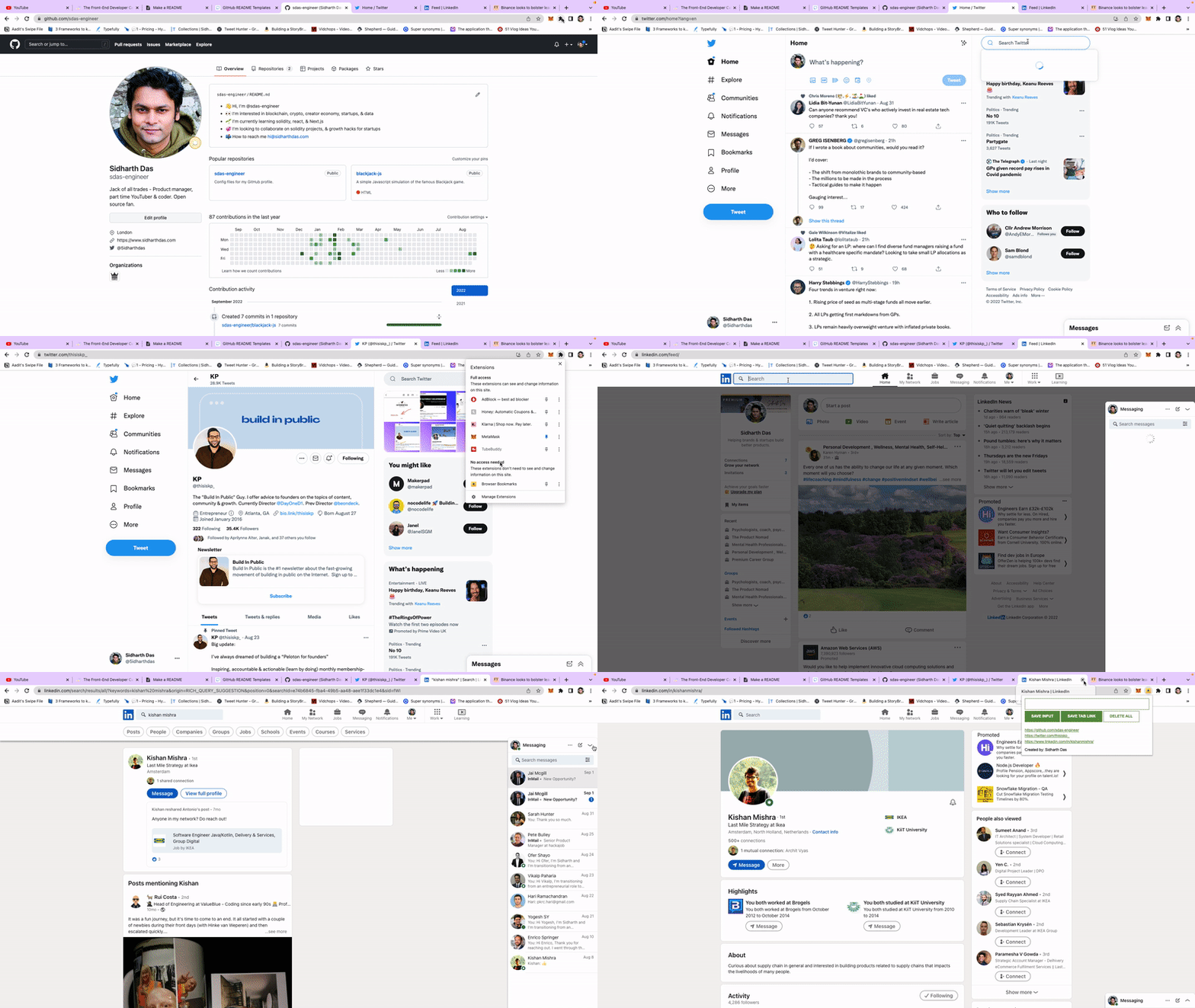
Browser Bookmark is a chrome extension to create and organize important links directly from your browser. This extensions allows you to create your own bookmarks by allowing you to input your own custom URLs. You can save the URL of your active tab with just one click. Finally, the extension allows you to delete all the bookmarks when you don't need them anymore. If you found a bug, have ideas for features or improvements, please let me know.
Use the chrome browser to install Browser Bookmark.
- Download / clone the repo from the code tab
- Head over to the the chrome browser and click the puzzle icon
- Click manage extensions
- On the extensions page, toggle the developer mode to "on"
- Click Load unpacked and upload the the code folder
- Start bookmarking!
If you wish to submit improvements to the javascript, or the CSS, then I welcome forks & pull requests.
Browser Bookmark is released under MIT license.