Config based, concurrent-first, client-server JVM build tool.
🚧 Work in progress, expect some rough edges and breaking changes.
Feedback and contributions are very welcome! ❤️
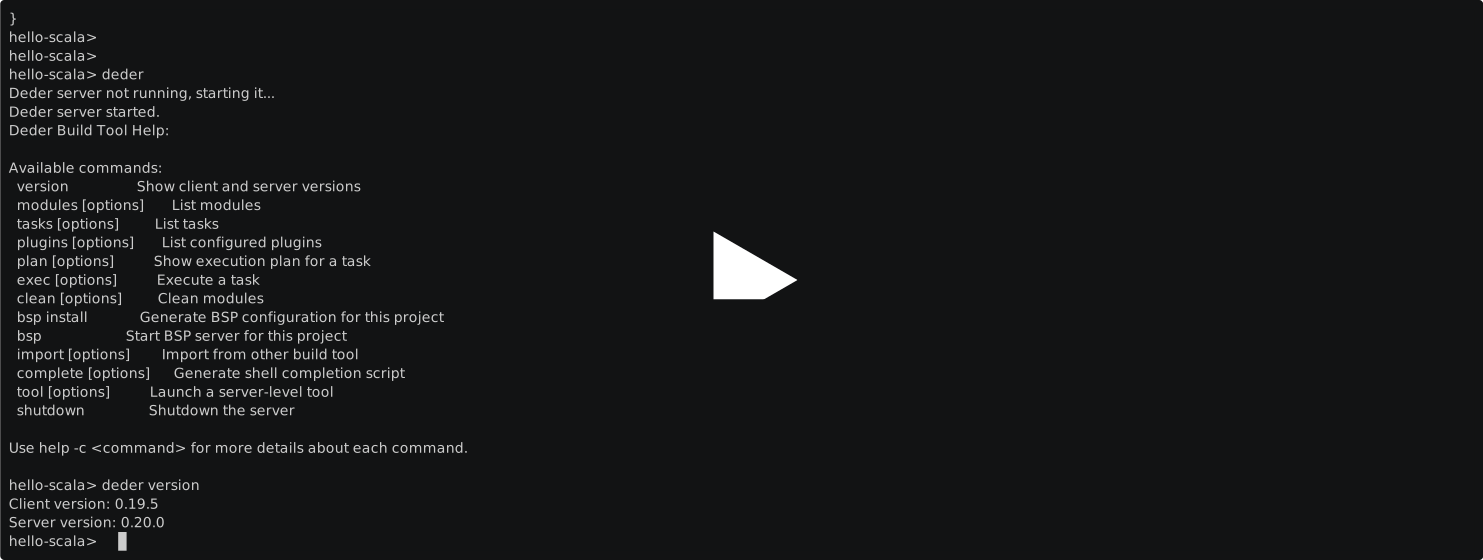
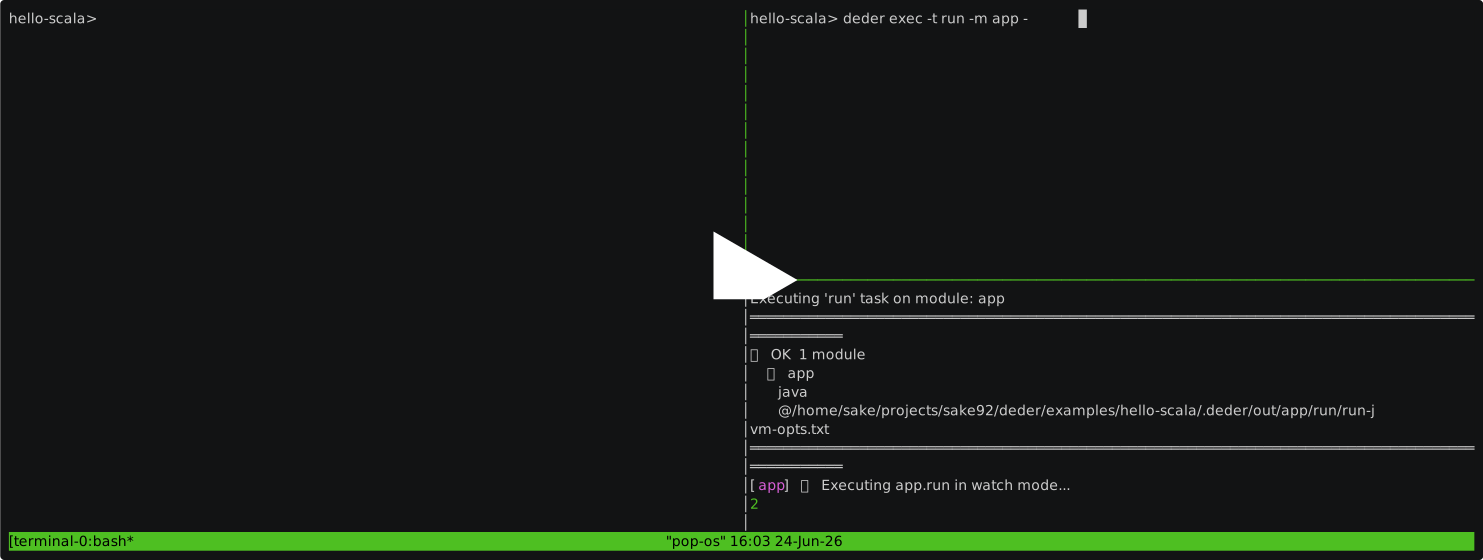
- CLI client with shell completions
- BSP client with support for VSCode and IntelliJ
- explore the build with listing modules, tasks, and execution plans (visualized as DOT graphs)
- package module as JAR, uber JAR, Scala.js bundle, Scala Native executable, GraalVM native executable
- publish module locally to ~/.m2 and to Maven Central
- executing tests
- REPL (scala and jshell)
- watch mode with concurrent execution in multiple terminals
- import from sbt
- OTEL tracing support
- plugins support with automatic reloading
- project is the root of your git repo
- module is a "subproject", like
common/frontend/app.. - task is something you can run on a module, like
compile/test/run/assembly..
The examples folder has working projects that show you how to use Deder to build, cross-build, test, publish, and use Scala.js / Scala Native.
Deder has 2 components: server and client.
Client automatically downloads correct server from Github releases (version is based on amends in your deder.pkl build definition).
Deder server requires JDK 21+ (using virtual threads).
So you only have to install the CLI client.
We provide native executables (built with GraalVM) as a brew package on macOS/Linux and as scoop package on Windows.
If none of those work for you, you can use plain JAR from the releases (you might want to write a helper script..).
brew tap sake92/tap
brew install dederscoop bucket add sake92 https://github.com/sake92/scoop-bucket.git
scoop install dederNote
Use this only if installations above fail, or you want to test latest snapshot of the client!
- download
deder-client.jar(or a native version) from early release - rename it to just
deder - do
chmod +x deder - put it in
PATH
deder exec                          # compile all modules (default task)
deder exec -t compile -m common     # compile a specific module
deder exec -t test                  # run all tests
deder exec -t test -m mymod-test    # run tests for one module
deder exec -t assembly -m app       # build an uber JAR
deder exec -t run -m app --watch    # run with file-watching
deder import                        # import project from sbt
deder bsp install                   # write BSP config for IDE import
deder shutdown                      # stop the background server
For the full command reference see the Cheatsheet.
Lates Metals version supports Deder import out of the box.
For IntelliJ you need to run deder bsp install first and then open as a BSP project.
Supported features:
- import of project
- navigation
- compilation and diagnostics
- run main classes
- run tests
Deder supports custom tasks via a plugin API. See the Plugins how-to to get started.
- web dashboard with modules overview, running tasks, stats etc
- TUI app
- build info generator
- sources generator
- protobuf/GRPC generator
Deder is used in some of my OSS projects:
- https://github.com/sake92/deder (yes, it bootstraps itself!)
- https://github.com/sake92/regenesca
- https://github.com/sake92/squery
- https://github.com/sake92/tupson
- https://github.com/sake92/sharaf
See CONTRIBUTING.md for how to build Deder locally, run integration tests, setup tracing etc.