In this project, let's build a Fruits Counter by applying the concepts we have learned till now.
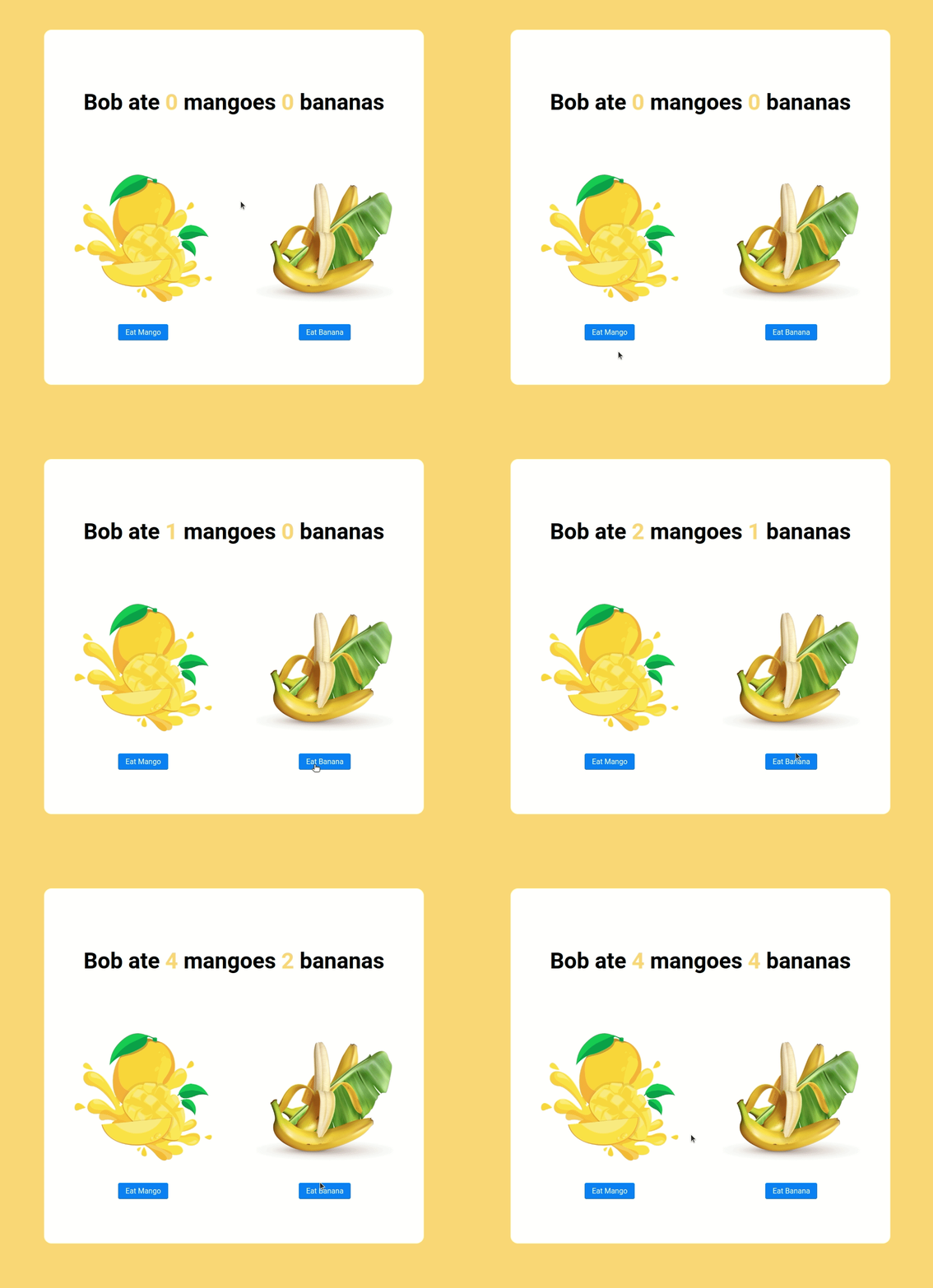
Click to view
Click to view
- Download dependencies by running
npm install - Start up the app using
npm start
Functionality to be added
The app must have the following functionalities
- Initially, the count of the eaten mangoes and bananas should be 0
- When Eat Mango is clicked the count of the mangoes eaten should be incremented by 1
- When Eat Banana is clicked the count of the bananas eaten should be incremented by 1
Implementation Files
Use these files to complete the implementation:
src/components/FruitsCounter/index.jssrc/components/FruitsCounter/index.css
Click to view
-
State updates are merged. It means that when you update only one key-value pair in the
stateobject, it will not affect the other key-value pairs in the state object.For example let's say your state is as followed:
state = { key1 : value1, key2 : value2 }If you use this.setState such as :
this.setState(prevState => ({key1: prevState + valueN}))Your new state will be :
state = { key1 : value3, key2 : value2 } -
You can use the below cursor CSS property for buttons to set the type of mouse cursor, to show when the mouse pointer is over an element,
cursor: pointer;
-
You can use the below outline CSS property for buttons and input elements to remove the highlighting when the elements are clicked,
outline: none;
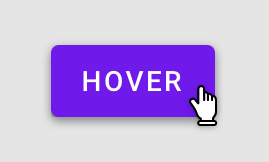
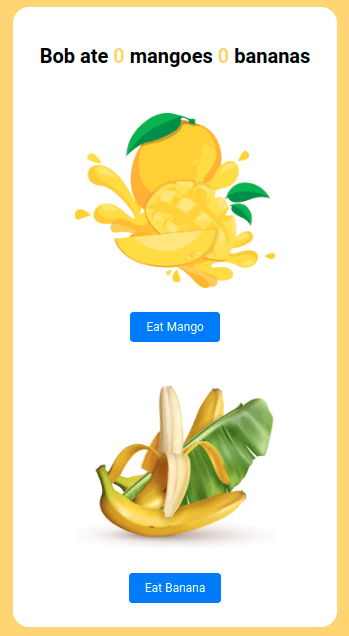
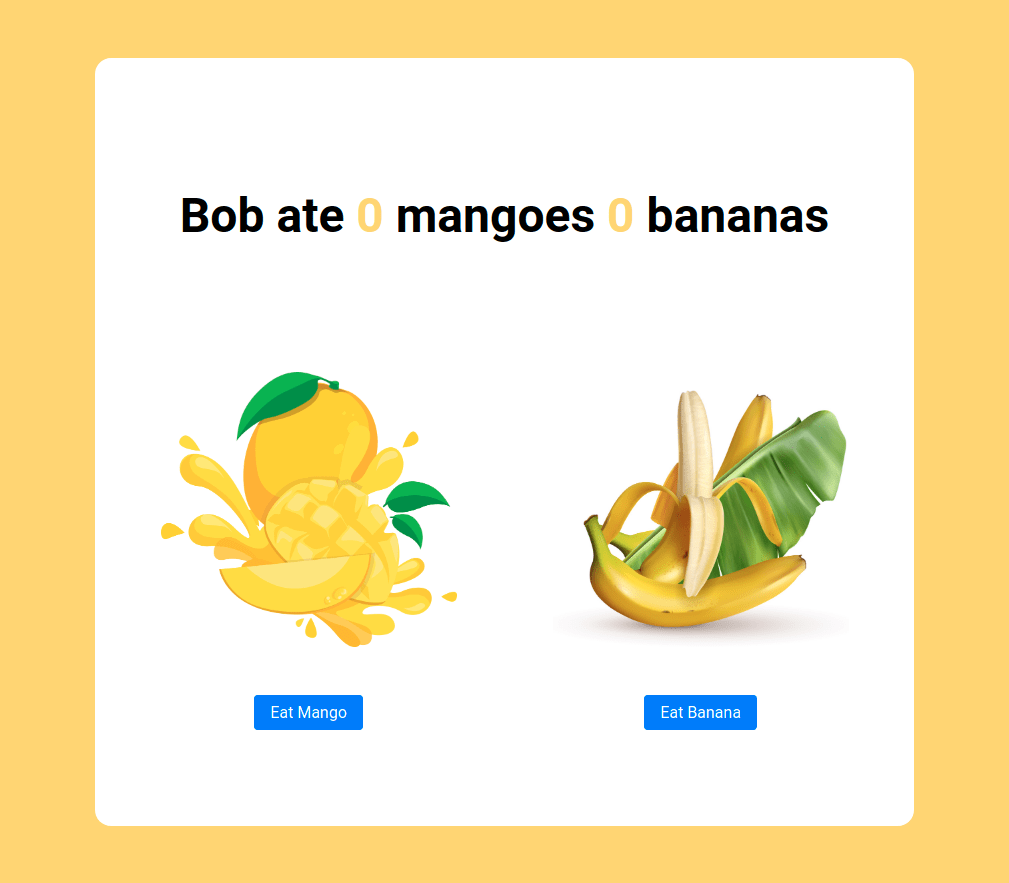
Image URLs
- https://assets.ccbp.in/frontend/react-js/mango-img.png alt should be mango
- https://assets.ccbp.in/frontend/react-js/banana-img.png alt should be banana

Colors
Hex: #ffd569
Hex: #ffffff
Hex: #000000
Hex: #007bff
Font-families
- Roboto
- All components you implement should go in the
src/componentsdirectory.- Don't change the component folder names as those are the files being imported into the tests.
- Do not remove the pre-filled code
- Want to quickly review some of the concepts you’ve been learning? Take a look at the Cheat Sheets.