A cross-platform mobile app built with .NET MAUI that estimates nutritional content of meals from photos using AI.
- Photo Analysis — take a photo or pick from gallery to identify dishes and estimate nutrition
- Detailed Breakdown — calories, proteins, fats, and carbs for each detected ingredient
- Custom Notes — add context (e.g., "with soy sauce") to improve accuracy
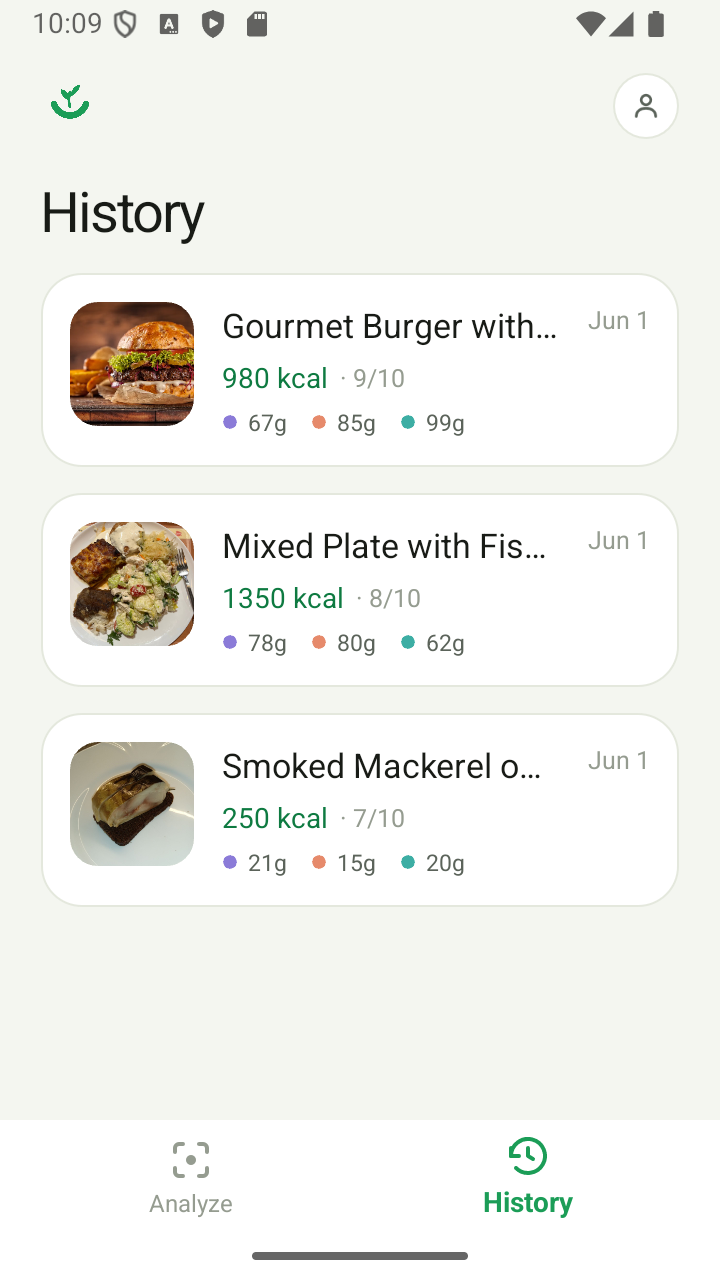
- History — previous analyses persisted locally via SQLite
- Cross-Platform — built with .NET MAUI for Android and iOS
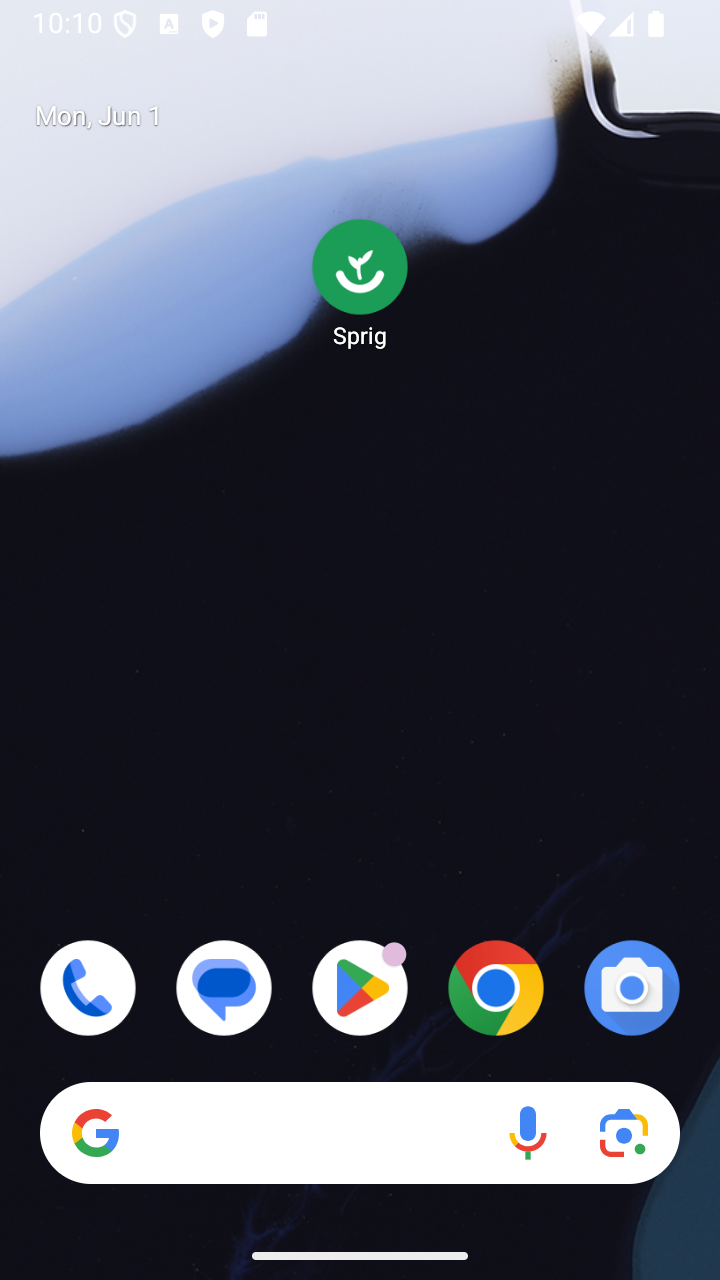
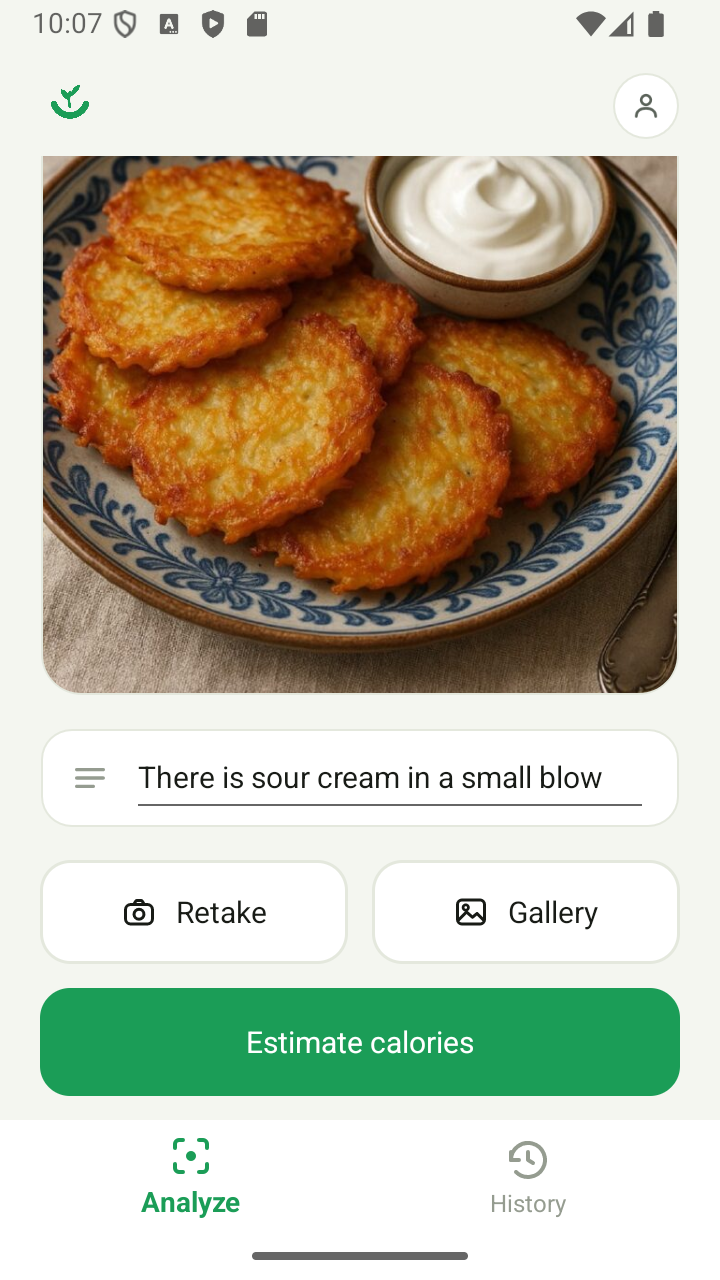
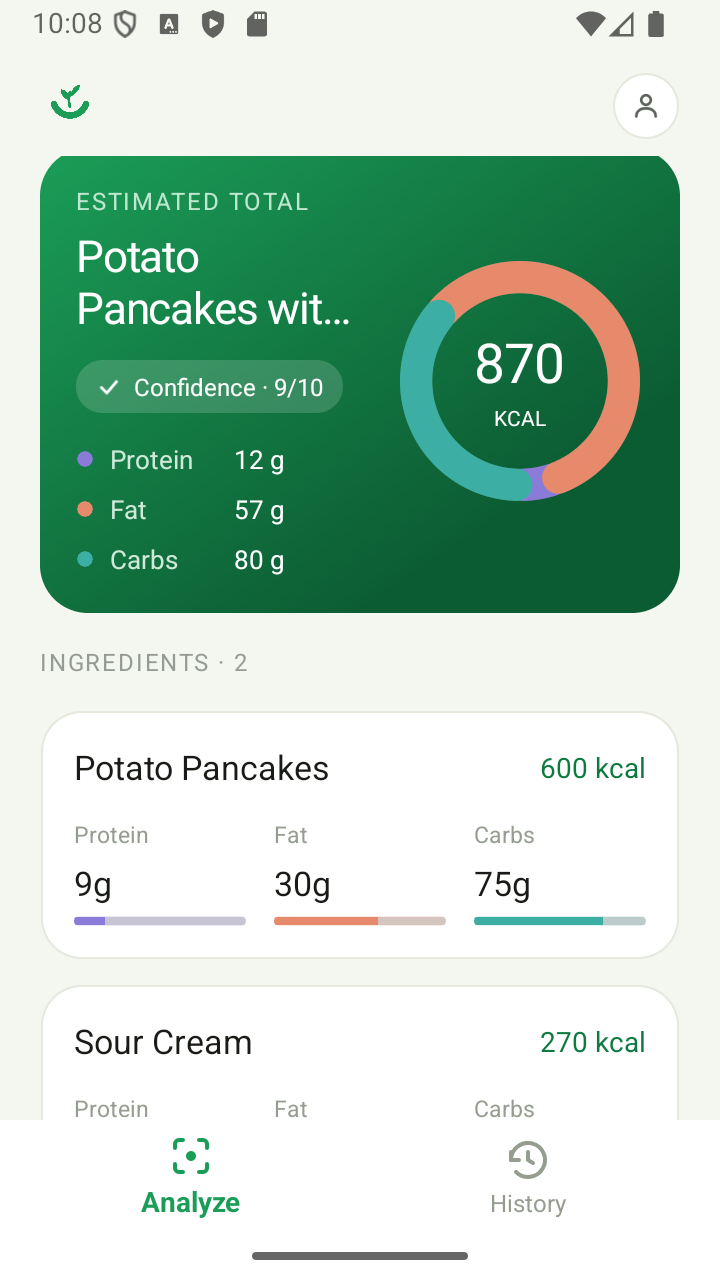
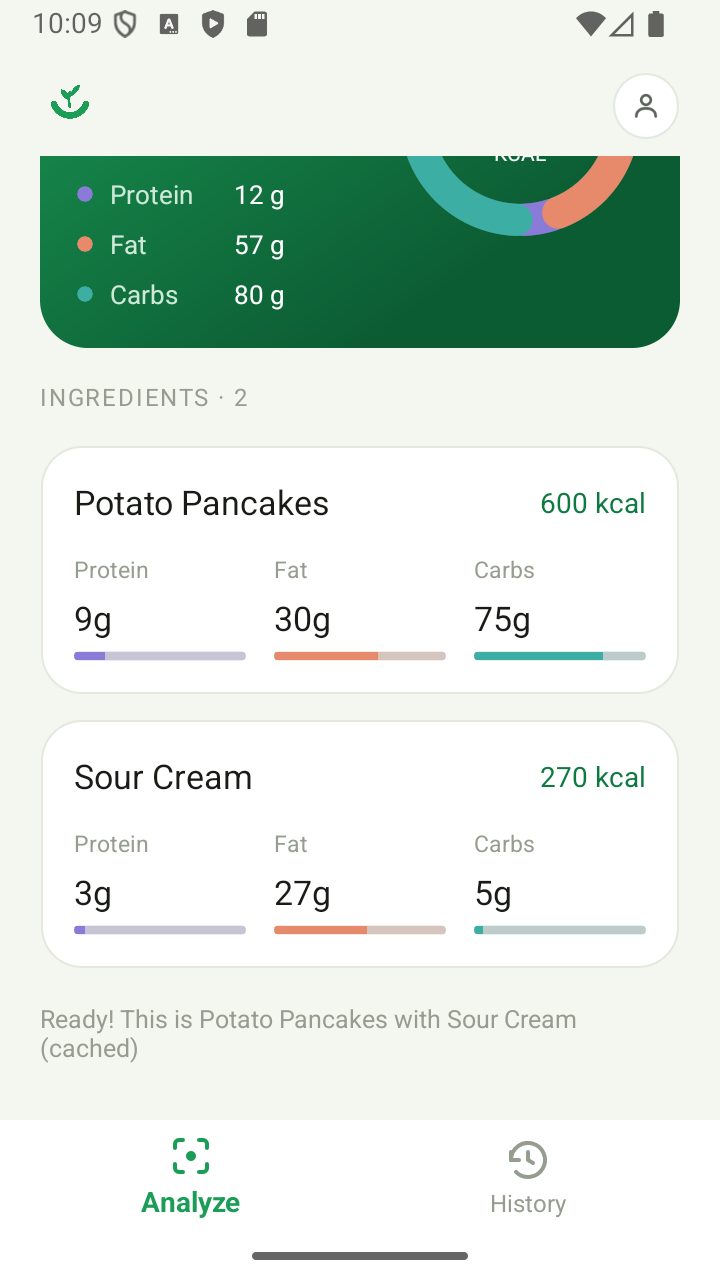
| Framework | .NET 10 MAUI |
| Architecture | MVVM (CommunityToolkit.Mvvm) |
| HTTP | Typed HttpClient via IHttpClientFactory |
| Error Handling | Result<T> pattern (no thrown exceptions in service layer) |
| Serialization | System.Text.Json |
These instructions walk through running the client on an Android emulator (the quickest path). iOS requires a Mac and is out of scope here.
Clone the repository:
git clone https://github.com/dgluhotorenko/CalorieEstimatorClient.git
cd CalorieEstimatorClient- .NET 10 SDK
- JetBrains Rider (2024.3+) or Visual Studio 2022 17.12+
- Java 17 JDK (ships with Android Studio, or install Microsoft OpenJDK 17)
- Android SDK + an emulator image — the easiest way to get both is Android Studio (use its SDK Manager and Device Manager), but Rider can also manage the SDK under
Settings → Build, Execution, Deployment → Android
Install the MAUI workload (one-time):
dotnet workload install maui-androidVerify:
dotnet workload listYou should see maui-android listed.
The client is useless without the backend. Follow the CalorieAI Web API setup to:
-
Configure your Gemini API key in user secrets.
-
Run the API with the
httplaunch profile so it listens onhttp://localhost:5064:cd ../CalorieApi dotnet run --launch-profile http -
Confirm it works by opening
http://localhost:5064/swaggerin your browser.
Leave the API running in its own terminal for the rest of the setup.
If you don't already have an AVD (Android Virtual Device):
- Via Android Studio:
Tools → Device Manager → Create Virtual Device. Pick any phone profile and a system image with API level 21 or higher (API 34 recommended). Start the emulator at least once to confirm it boots. - Via Rider:
Settings → Build, Execution, Deployment → Android → AVD Manager.
The default in MauiProgram.cs is already set for the Android emulator:
// MauiProgram.cs
private const string ApiBaseUrl = "http://10.0.2.2:5064";
10.0.2.2 is the special alias the Android emulator uses to reach your host machine's localhost. Keep this value as-is when running in the emulator.
Physical device instead of emulator?
10.0.2.2won't work. Expose the API through Dev Tunnels (see the API README) and replaceApiBaseUrlwith the generatedhttps://*.devtunnels.msURL.
- Open
CalorieClient.sln. - In the run configuration dropdown (top-right toolbar):
- Project:
CalorieClient - Target Framework:
net10.0-android - Device: select your running AVD (start it from the Device Manager if it isn't already up)
- Project:
- Hit Run (
Shift+F10). First build will restore NuGet packages and may take a few minutes.
The app should deploy to the emulator and open on the main screen. Tap the camera/gallery button, pick a food photo, and you should see a nutrition breakdown within a few seconds.
cd CalorieClient
dotnet build -t:Run -f net10.0-android
This builds and launches on the first attached/running Android device or emulator.
| Symptom | Likely cause / fix |
|---|---|
Could not reach the server. Make sure the API is running. |
API not running, or running under the https profile only. Use dotnet run --launch-profile http. |
Build error about missing maui-android workload |
Run dotnet workload install maui-android. |
Build error: JavaSdkDirectory not found |
Install JDK 17 and restart Rider. |
| Emulator boots but app never appears | Ensure the AVD is fully booted (home screen visible) before starting the run. Cold boots take 30–60s. |
HTTP cleartext error in the Android log |
usesCleartextTraffic is already enabled in Platforms/Android/AndroidManifest.xml; if you changed it, revert. |
| Request hangs, then times out | Check that the API is bound to 0.0.0.0 or localhost on port 5064 specifically (the http profile does this). Custom ports need matching ApiBaseUrl. |
This client communicates with the CalorieAI Web API. Images are sent as multipart/form-data and a structured nutrition report is returned.