To install the network toolkit on windows you only need two things installed:
You may be able to install git with:
winget install --id Git.Git -e --source wingetDownload this repository with:
git clone --recursive git@github.com:JaedanC/Network-Toolkit.gitOpen powershell to the root folder of the project and run:
./install.ps1You can opt to install using py2exe, but note this is not supported for Python 12 and above. Run the command below to install using py2exe.
./install_py2exe.ps1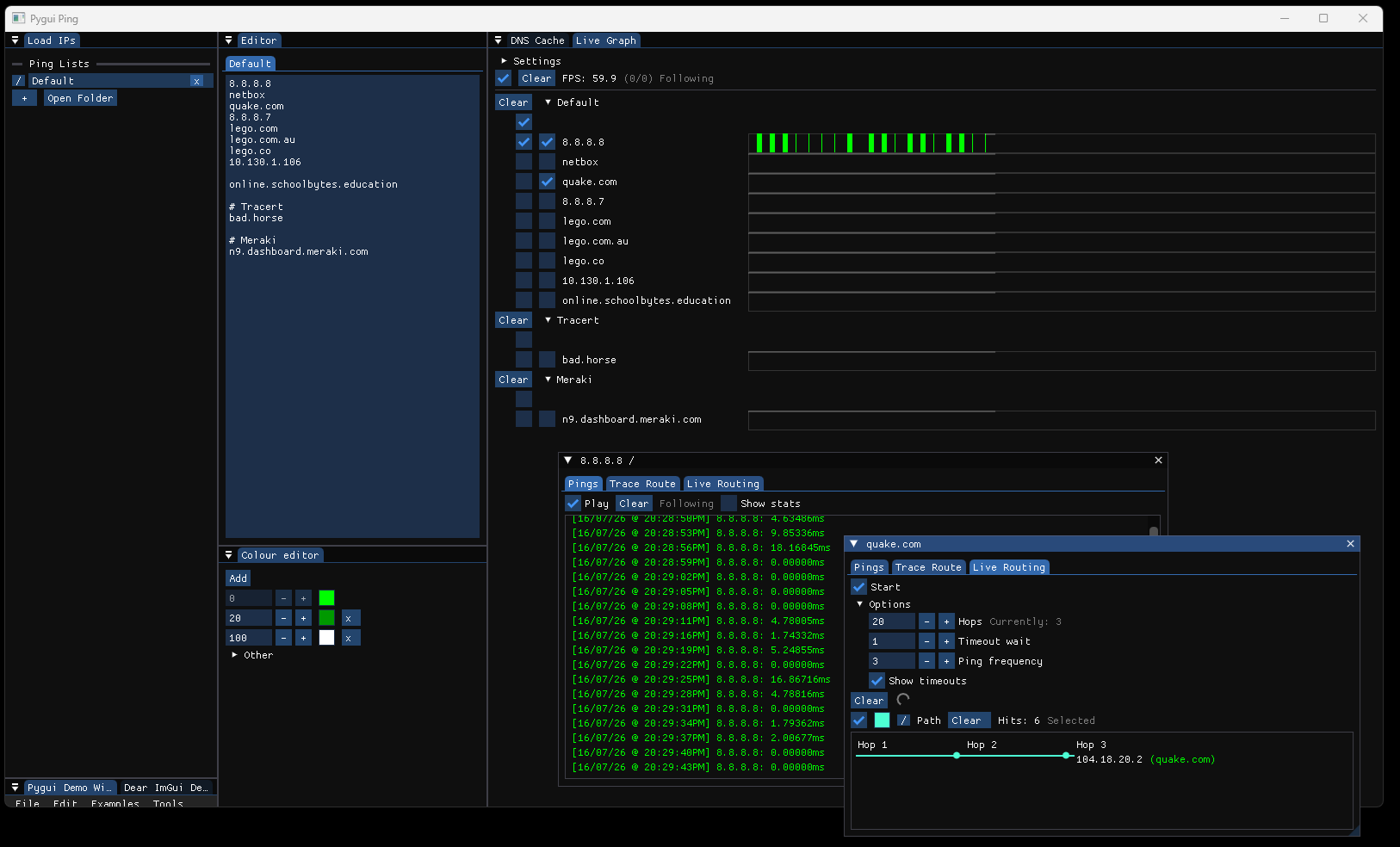
- GUI apps require you to position the windows for the first time.
- For the Meraki-App you can supply a
meraki_api_key.txtwhich will make running the app easier. - For the Catalyst-Switch-App you can supply a
password.txtwhich will make running the app easier.
If not using py2exe then you can create shortcuts of the batch files using these parameters:
Target:
C:\Windows\System32\cmd.exe /C "...Network-Toolkit\bin\app.bat <parameters>"Start in:
...Network-Toolkit\bin