English | 简体中文
GTools is a self-hosted collection of browser-based utilities. The backend uses Quarkus, the frontend uses Vue 3, CSV files provide lightweight storage, and both standard JAR and GraalVM Native Image builds are supported.
Live Demo: https://gloduck.github.io/GTools/
- JRebel activation URL generator
- Aggregated torrent search across multiple sources
- GitHub repository search
- Image resize, compression, and crop tools
- Forwarded file downloads
- Encrypted peer-to-peer file transfer over WebRTC
- Online clipboard
- Markdown editor
- Browser code editor with AI, SSH, SFTP, file-system, and PWA capabilities
- Chinese and English interfaces
JRebel Activation Tool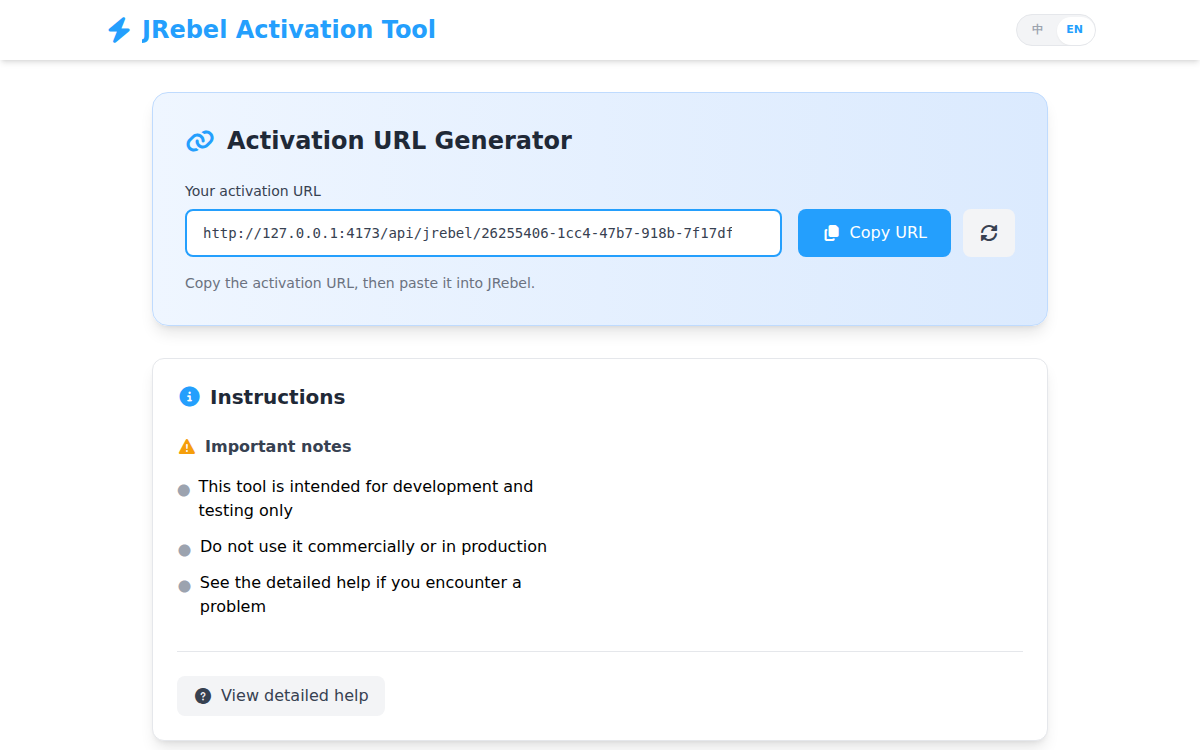 |
Torrent Search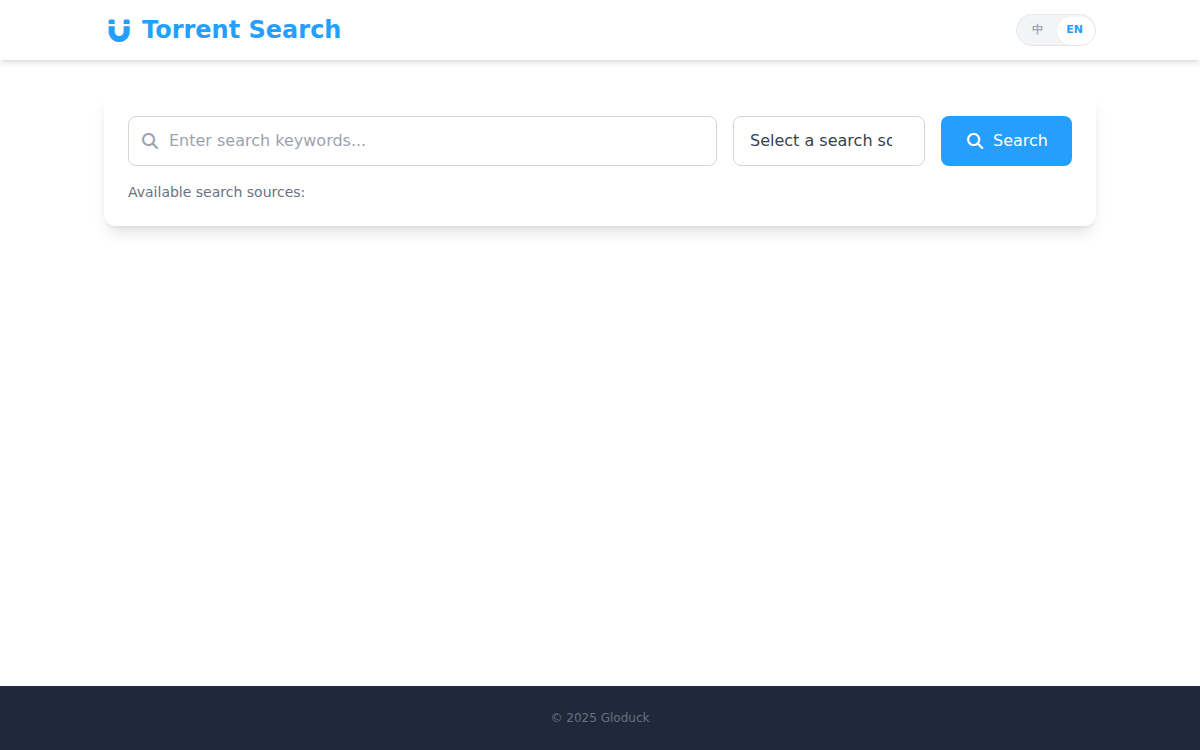 |
GitHub Repository Search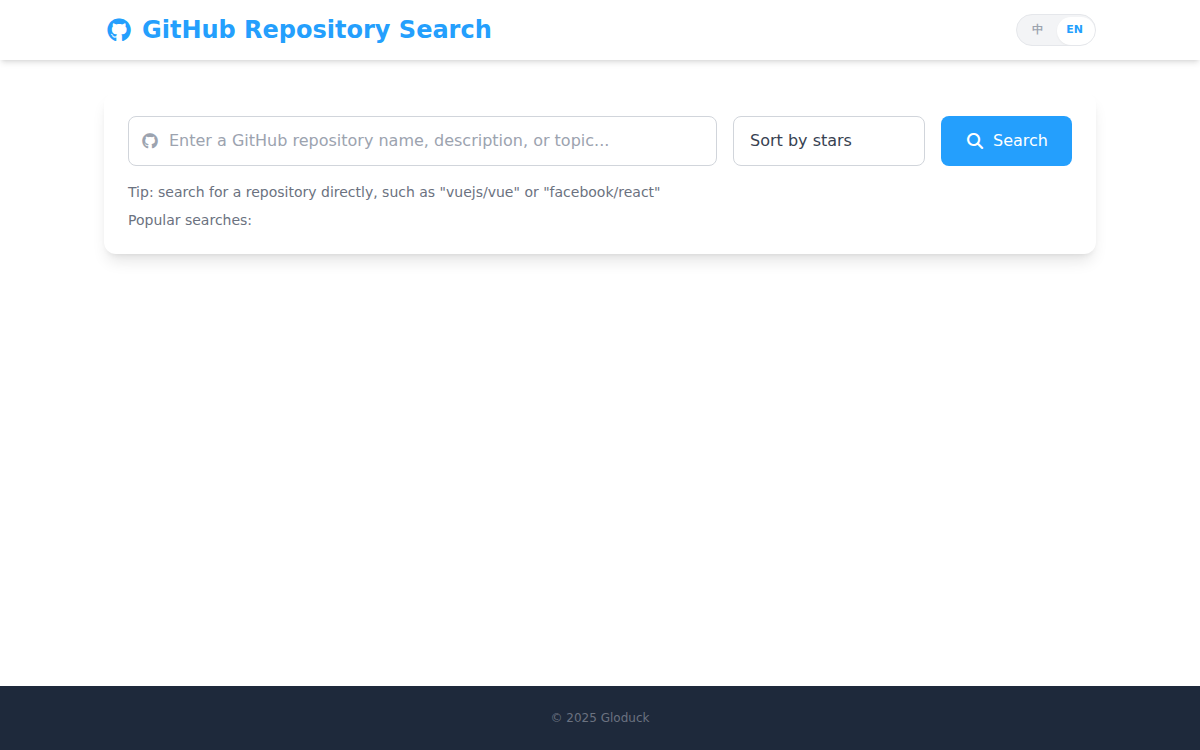 |
Image Editor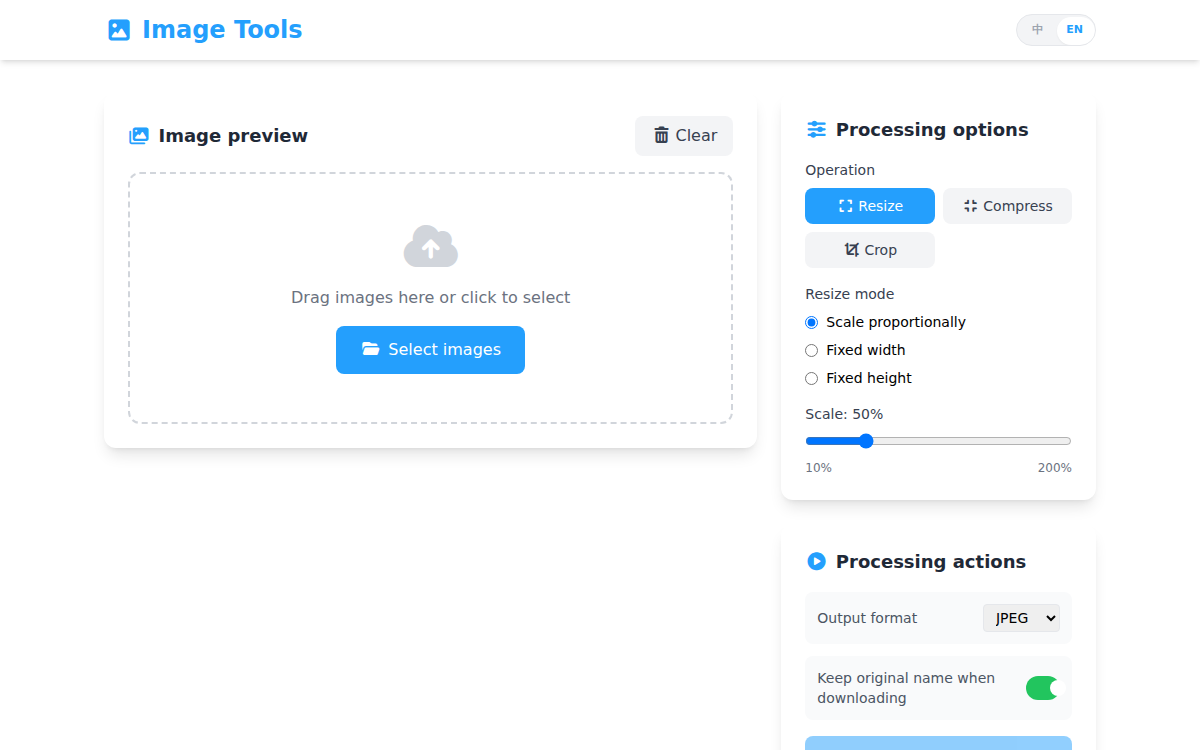 |
Forwarded Download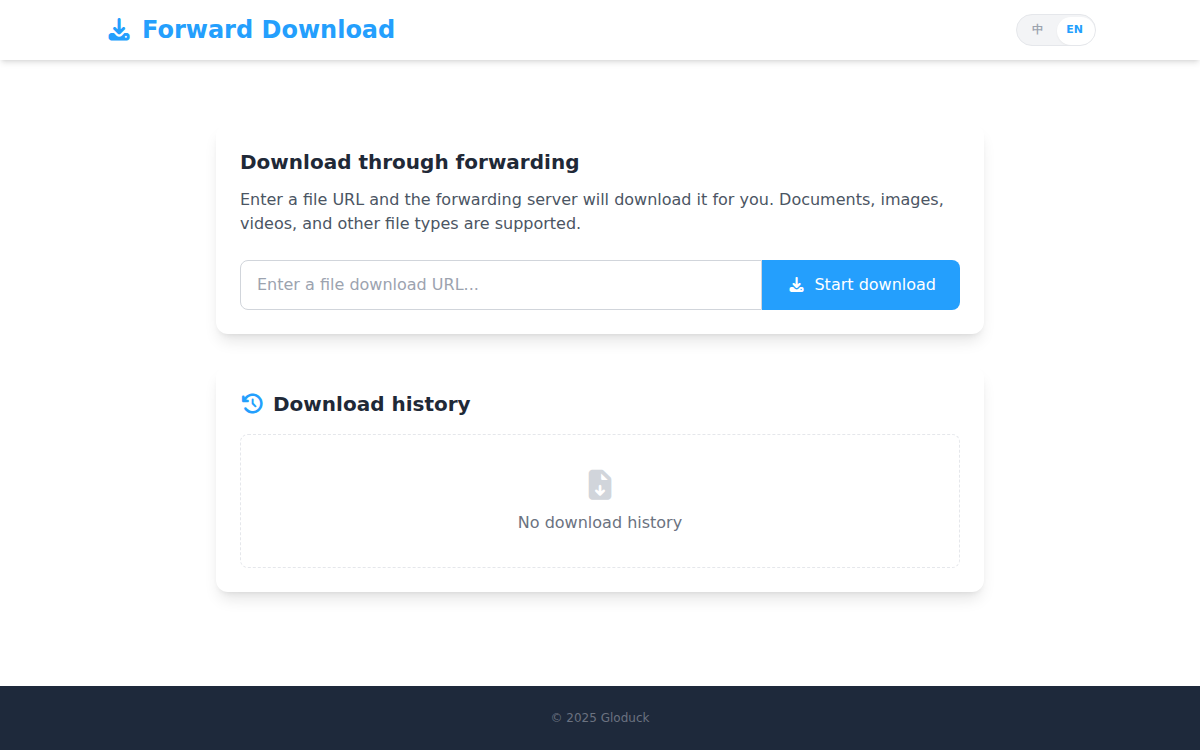 |
Peer-to-Peer File Transfer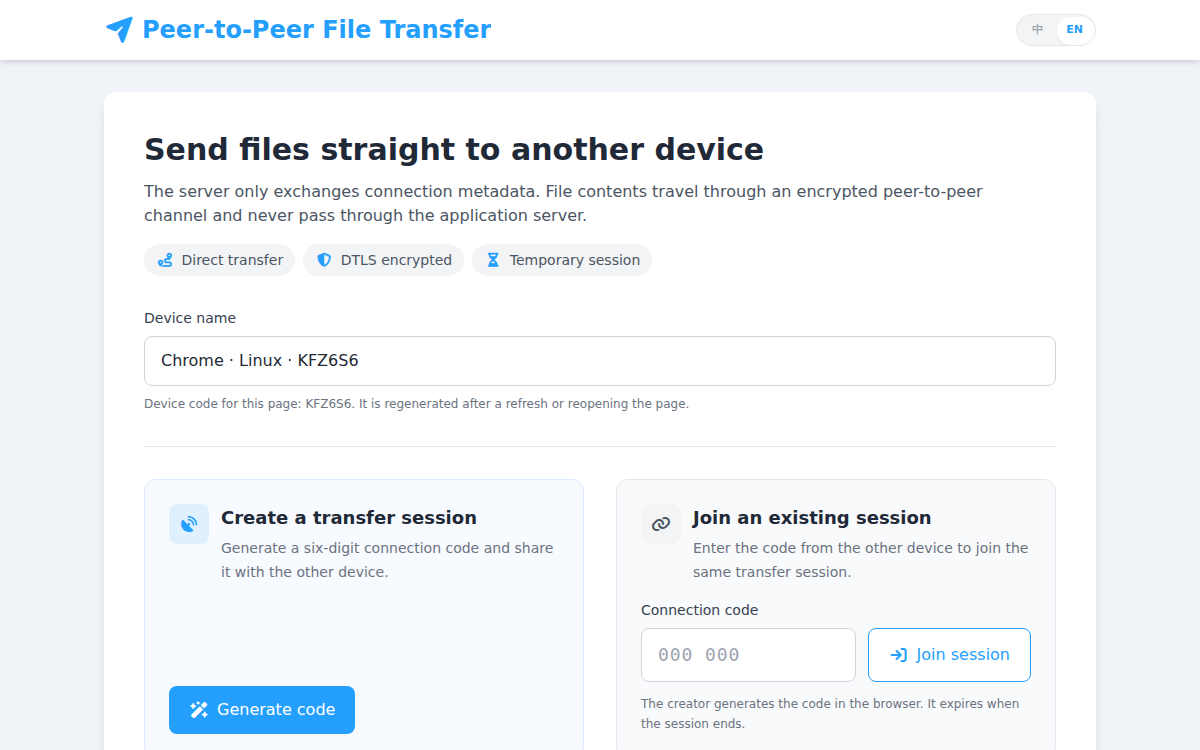 |
Online Clipboard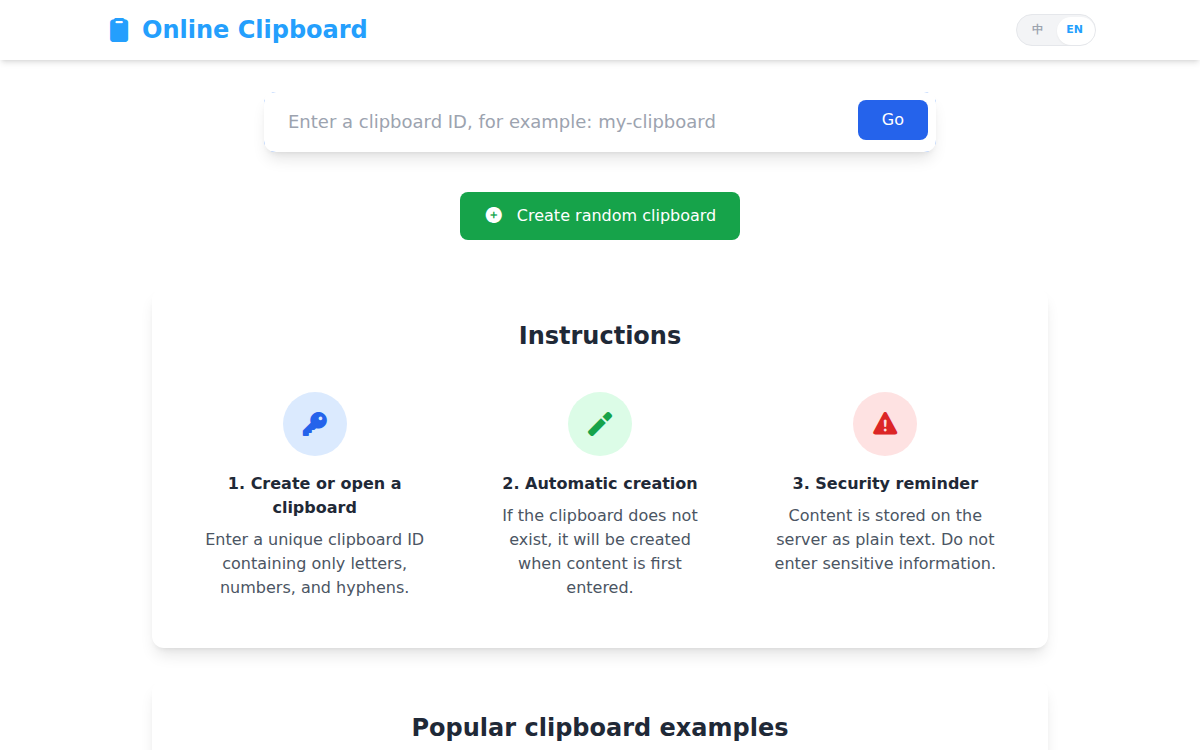 |
Markdown Editor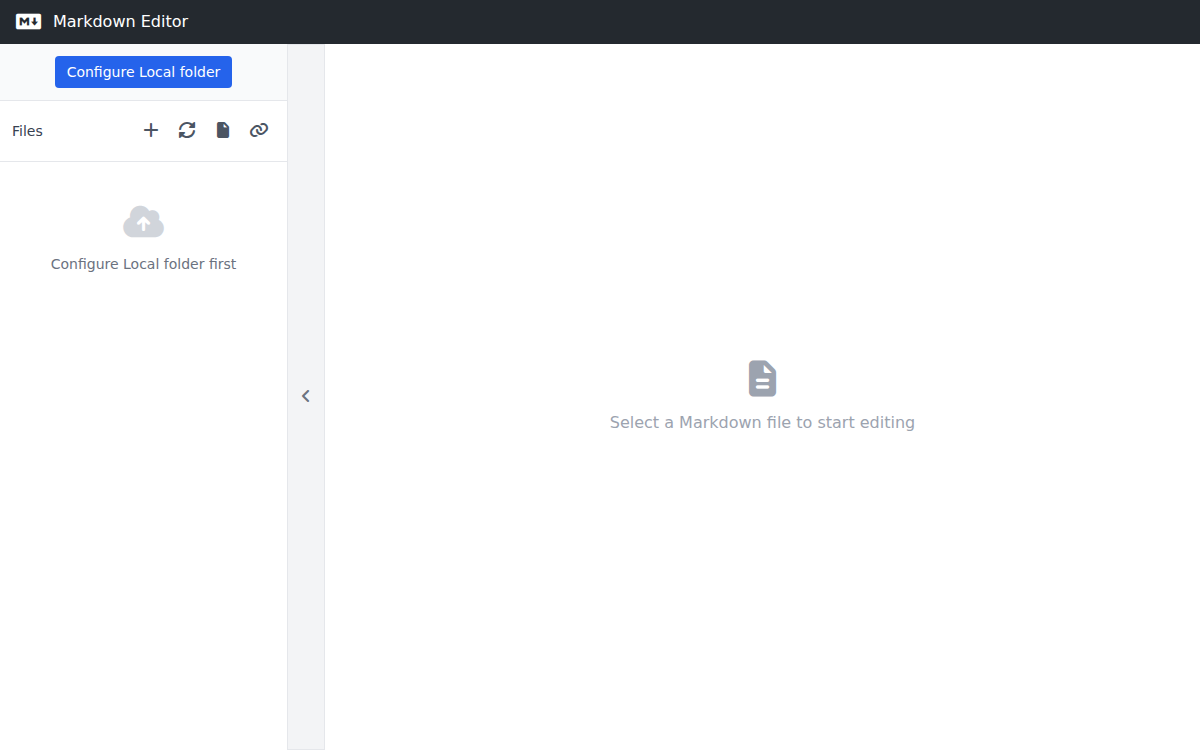 |
Code Editor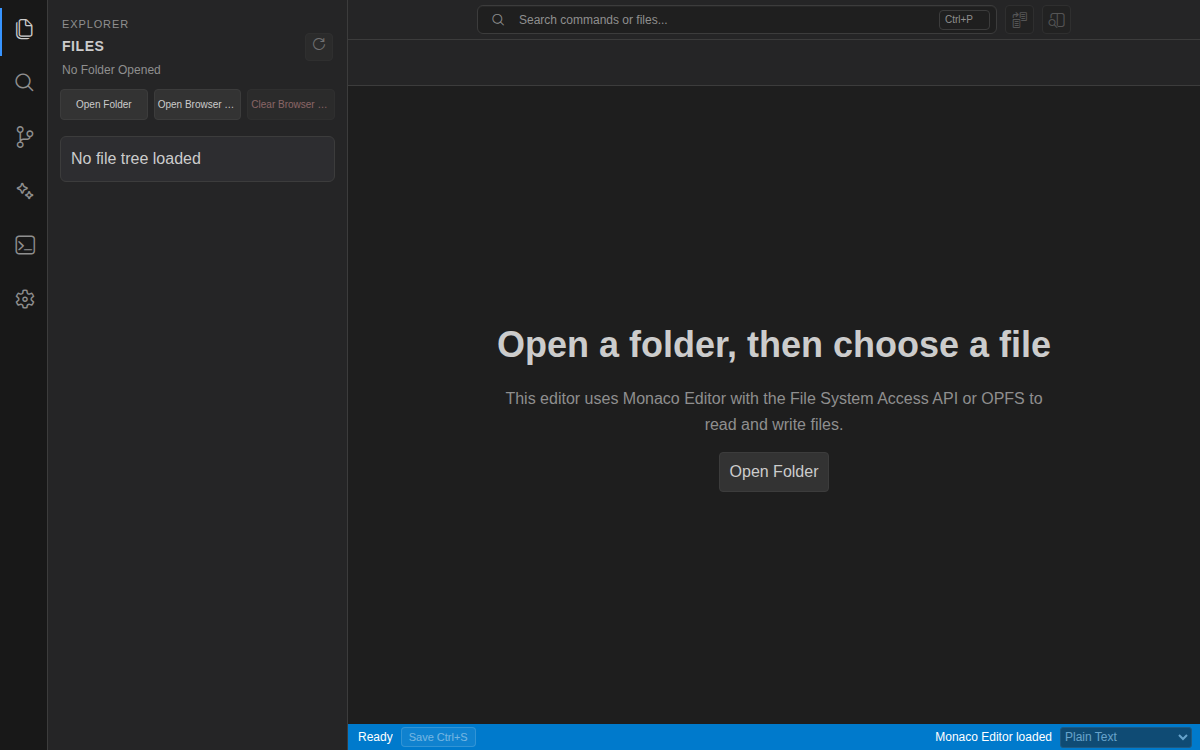 |
- Java 17
- Quarkus 3
- Vue 3, Vue Router, Vue I18n, and Vite
- Maven and npm
- Optional GraalVM Native Image
backend/   Quarkus backend
frontend/  Vue frontend and tests
include/   Files copied into release packages
script/    Build and remote-management scripts
db/        Local CSV data
target/    Release artifacts
Base development environment:
- JDK 17
- Maven 3.9 or compatible
- Node.js 20 or newer
- npm
Native builds additionally require:
- GraalVM with
native-image - GCC, binutils, and zlib development files on Linux
Local directory access in the code editor primarily targets Chromium-based browsers and requires HTTPS or a localhost secure context.
Install frontend dependencies:
npm ci --prefix frontendStart the backend in development mode:
mvn -f backend/pom.xml quarkus:devThe HTTP port is configured by port in backend/src/main/resources/config.json and defaults to 2226. Quarkus development mode exposes debugger port 5005 by default.
Start the frontend development server separately:
VITE_BACKEND_PROXY_TARGET=http://127.0.0.1:2226 npm run dev --prefix frontendWhen VITE_BACKEND_PROXY_TARGET is set, Vite proxies /api and WebSocket traffic to the backend.
bash script/build.sh clean buildJar
java -jar target/GTools.jarbash script/build.sh clean buildNative
target/GToolsbash script/build.sh clean buildJar
bash script/build.sh clean buildNative
bash script/build.sh clean buildFrontend
bash script/build.sh clean buildJar --mode separate
bash script/build.sh clean buildNative --mode separate
bash script/build.sh cleanThe default bundled mode builds the frontend, copies it into the backend resources, packages the complete application, and writes these files under the root target/ directory:
GTools.jarorGToolsGTools.tar.gzconfig.jsonmanage.sh
--mode separate leaves the static resources out of the backend and generates:
target/backend/andGTools-backend.tar.gztarget/frontend/andGTools-frontend.tar.gz
buildFrontend builds only the frontend and writes the same target/frontend/ directory and GTools-frontend.tar.gz archive without checking or building the Java backend.
When manually dispatched, the JAR and Native GitHub Actions workflows accept bundled or separate; run the Build Frontend Package workflow to build only the frontend.
For a separate deployment, the backend serves embedded static resources first and falls back to the external directory configured by frontendPath only when an embedded resource is unavailable. The default is frontend, the frontend/ directory beside GTools.jar or the Native executable, so same-origin /api and /api/ssh/ws access works without an additional Nginx proxy.
Run these commands from a release directory:
bash manage.sh start
bash manage.sh status
bash manage.sh restart
bash manage.sh stop
JAR deployments accept JVM options through JAVA_OPTS:
JAVA_OPTS="-Xms256m -Xmx512m" bash manage.sh startCopy .env.example to .env and configure the target host:
remoteAddress=127.0.0.1
remotePort=22
remoteUser=root
remotePassword=
remoteDeployPath=/opt/GTools
remoteFrontendDeployPath=
Common commands:
bash script/remote-manage.sh push
bash script/remote-manage.sh push --includeConfig
bash script/remote-manage.sh push --mode separate
bash script/remote-manage.sh push --mode backend
bash script/remote-manage.sh push --mode frontend
bash script/remote-manage.sh start
bash script/remote-manage.sh restart
bash script/remote-manage.sh stop
bash script/remote-manage.sh status
push defaults to bundled mode. --mode separate pushes the backend files to remoteDeployPath, then uploads and extracts GTools-frontend.tar.gz into remoteFrontendDeployPath; use backend or frontend to push only one side. If remoteFrontendDeployPath is empty, it defaults to ${remoteDeployPath}/frontend, so /opt/GTools/GTools.jar uses /opt/GTools/frontend; set it in .env or pass --remoteFrontendDeployPath to override the default, and update the backend frontendPath to match. The frontend is extracted into a temporary directory before replacing the existing deployment. Backend pushes do not upload config.json unless --includeConfig is supplied. Password authentication requires sshpass; otherwise SSH keys or the local SSH configuration are used, and the remote host must provide tar.
The default configuration is stored in backend/src/main/resources/config.json. Runtime configuration is loaded in this order:
config.jsonnext to the executable or JAR- The default application resource
Main configuration sections:
port: HTTP portfrontendPath: external frontend directory used when embedded resources are unavailable; defaults tofrontendstaticRoutes: URL route and directory mappings for external static filesmaxBodySize: request body limitlog: log level, output file, and maximum file sizejrebel: JRebel license response settingstorrent: source URLs, proxies, timeouts, and Cloudflare bypass serviceproxyrequest: request proxy and private-network policygithub: popular repository listssh: security key, connection limit, and heartbeat timeout
Logging example:
{
  "log": {
    "level": "INFO",
    "file": "logs/app.log",
    "maxFileSize": "10M"
  }
}
External static-file example:
{
  "staticRoutes": [
    {
      "route": "/static/*",
      "path": "static"
    },
    {
      "route": "/downloads/*",
      "path": "/srv/GTools/downloads"
    }
  ]
}
route must start with / and end with /*. Relative path values are resolved against the directory containing the JAR or Native executable; absolute paths are used as-is. Mappings are registered in declaration order, and multiple directories using the same route act as fallbacks when an earlier directory does not contain the requested file.
Run the full frontend test suite:
npm test --prefix frontendInstall Chromium before running browser tests for the first time:
npm --prefix frontend/test run install:browserRun only Node unit tests:
node --test frontend/test/unit/*.test.jsGitHub file-system integration tests can be enabled through command-line arguments or these environment variables:
GITHUB_TEST_INTEGRATIONGITHUB_TEST_TOKENGITHUB_TEST_REPOGITHUB_TEST_BRANCHGITHUB_TEST_ROOT
The code editor is available at /codeEditor and includes:
- Local workspaces through the File System Access API
- File tree, tabs, search, replace, diff, formatting, and previews
- OpenAI-compatible AI completion and agent sessions
- Isolated JavaScript execution, HTTP proxying, and image generation
- SSH terminals, SFTP transfers, and AI remote-command tools
- Settings URL import/export and PWA installation
Files created or changed by AI remain in editor memory until the user reviews and saves them. Exported settings URLs may contain API keys, passwords, or private keys and must not be shared publicly.
Some torrent sources require a Cloudflare bypass service. One compatible project is:
https://github.com/sarperavci/CloudflareBypassForScraping
When changing the bypass endpoint or its proxy, update torrent.bypassCfApi and torrent.bypassCfApiProxy. Bypass requests are usually slower, so increase the source requestTimeout when necessary.
- Use HTTPS and a reverse proxy for public deployments
- Apply restrictive permissions to
config.json, logs, and deployment directories - Configure a non-empty
ssh.securityKey - Enable private-network proxy access only when required
- Never expose AI API keys, SSH passwords, private keys, or exported settings URLs
- Online clipboard data is stored as plain text and should not contain sensitive information
GTools is licensed under the GNU General Public License v3.0.