
This tool add new sources at \etc\apt\sources.list and remove old once. And Install apt-transport-https which increase the update,upgrade and downloading speed on kali linux.
Just Copy the web page address https://github.com/CrazyIndianDeveloper/KaliLinuxSpeedBooster and open terminal and type command git clone https://github.com/CrazyIndianDeveloper/KaliLinuxSpeedBooster/ It Started downloading.
Open Terminal goto the KaliLinuxSpeedBooster folder.
Type Following Commands (Always run this tool as root):-
sudo ./KaliLinuxSpeedBooster.sh
And then if you press Y it execute command apt-get update
Do you wish to Update (apt-get update) Y/N ?
And if you press N then tool get's close.
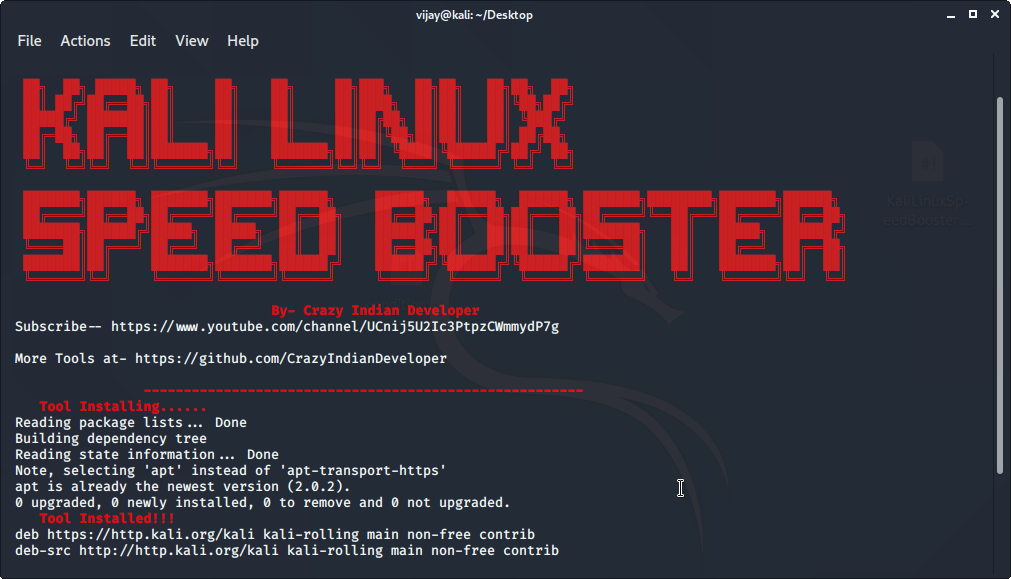
- Shell :-The Shell Script
Current v1.o



